webview
AN ANDROID APP FOR ANY WEBSITE WITHOUT THE CLUTTER
A lightweight, clutter-free website viewer for Android. Designed for websites that work best without browser toolbars, menus, tabs, and other distractions.
It all started when…
On older versions of Android, creating a Chrome shortcut to a website provided a clean, app-like experience without the usual browser clutter such as the URL bar, menus, buttons, and navigation controls.
On newer versions of Android, Chrome shortcuts may resemble the full browser experience. In addition, older Android devices that are still perfectly functional can no longer run current versions of Chrome.
This application was created to solve both problems.
It runs on Android 6.0 Marshmallow, API level 23, and newer and presents websites in a minimal, distraction-free manner. It is not intended to be a full-featured web browser. Instead, it is designed for websites that can be completely navigated from within the site's own pages.
CONFIGURATION
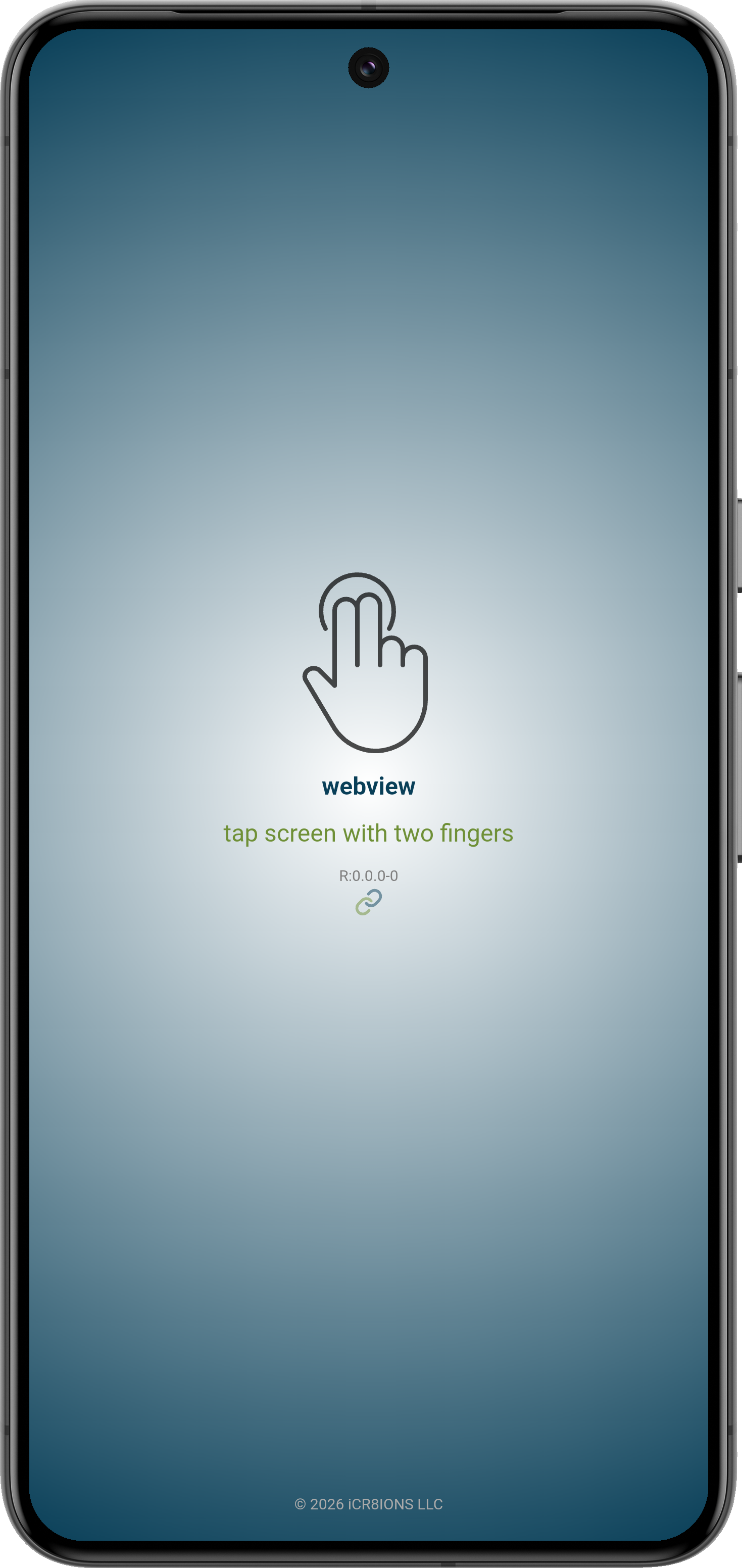
To access the configuration dialog, tap the screen with two fingers.
To return to the configuration dialog at any time, tap the screen with two fingers again.
There are three modes for configuration:
webview: The simplest setup when only one website is needed. The website and its settings become the application's default configuration.
shortcut: Allows multiple shortcuts to be created on the device's home screen, with each shortcut configured for a specific website and its own settings.
manage: Allows previously created shortcuts to be checked for problems and fixed as needed. Available on Android 8.0 Oreo, API level 26, and above.
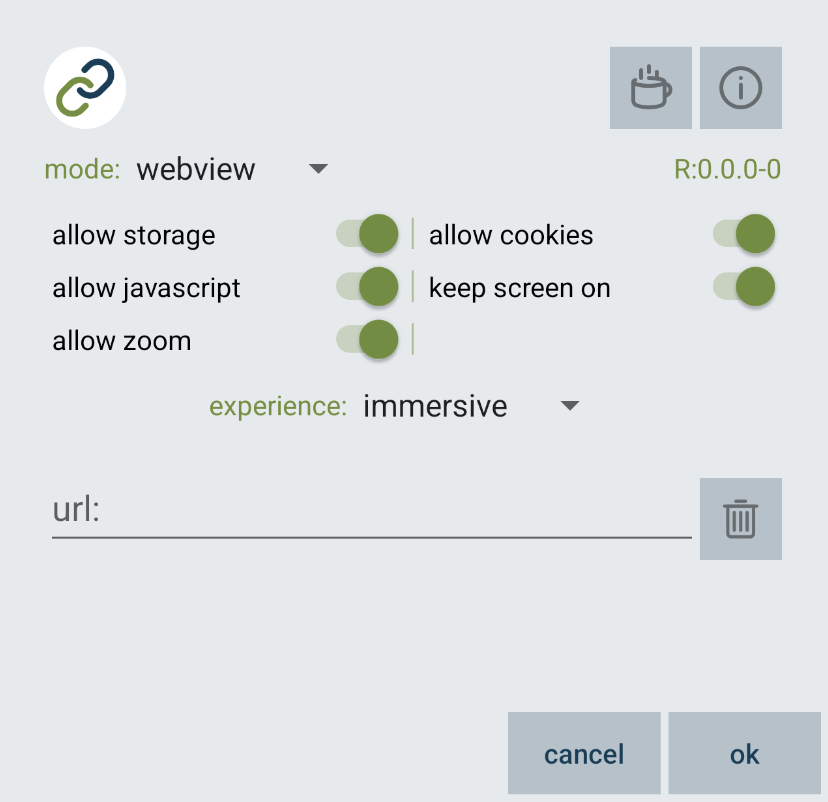
MODE: WEBVIEW
The simplest setup when only one website is needed. The website and its settings become the application's default configuration.
mode: options are webview | shortcut | manage
coffee button: support creations by donating - link to donation page
i button: information link to this documentation page
version name: R - release build | D - debug build - followed by version and build number
allow storage switch: enable/disable local storage - default enabled - some websites use it
allow cookies switch: enable/disable cookies - default enabled - most modern websites want this
allow javascript switch: enable/disable javascript - default enabled - most modern websites need this
keep screen on switch: enable/disable keeping screen on - default enabled - useful for wall-mounted devices
allow zoom switch: enable/disable zoom - default enabled
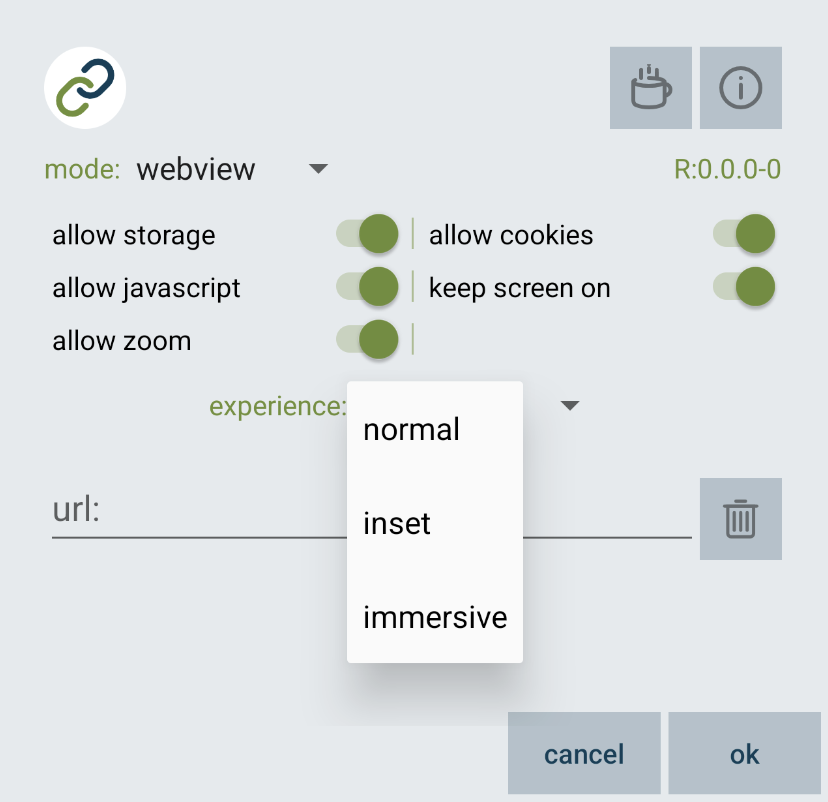
experience spinner: options are normal | inset | immersive - default immersive
url text input: full url starting with http:// or https:// - default blank - auto-completes from history
delete button: clears the url text input and deletes it from auto-complete history
cancel button: discards any changes and closes the configuration dialog
ok button: saves the settings and closes the configuration dialog
experience options
experience: normal
normal behavior for device
experience: inset
inset content with bars visible
experience: immersive
only show content - swipe from top to show bars
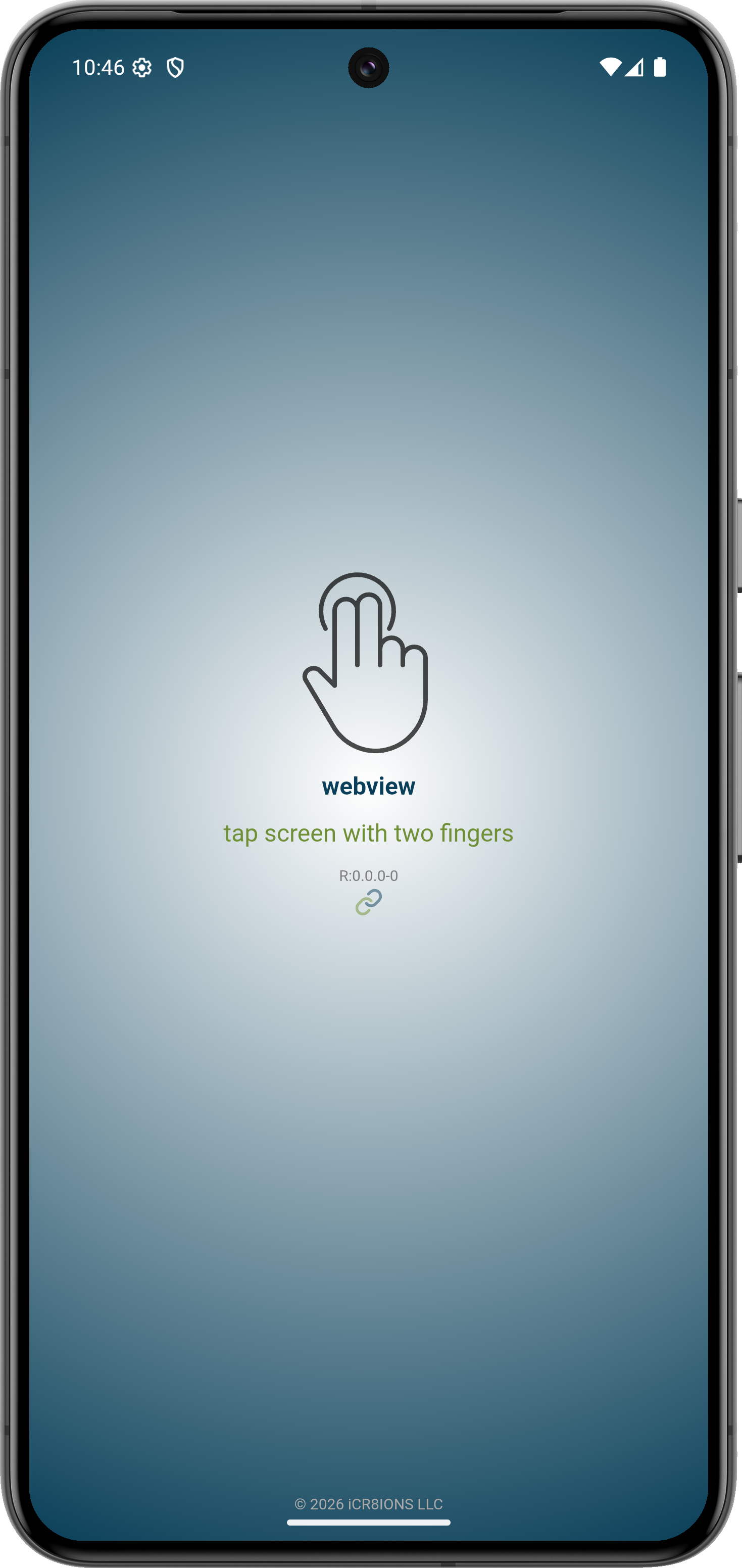
PIXEL 8 - experience normal
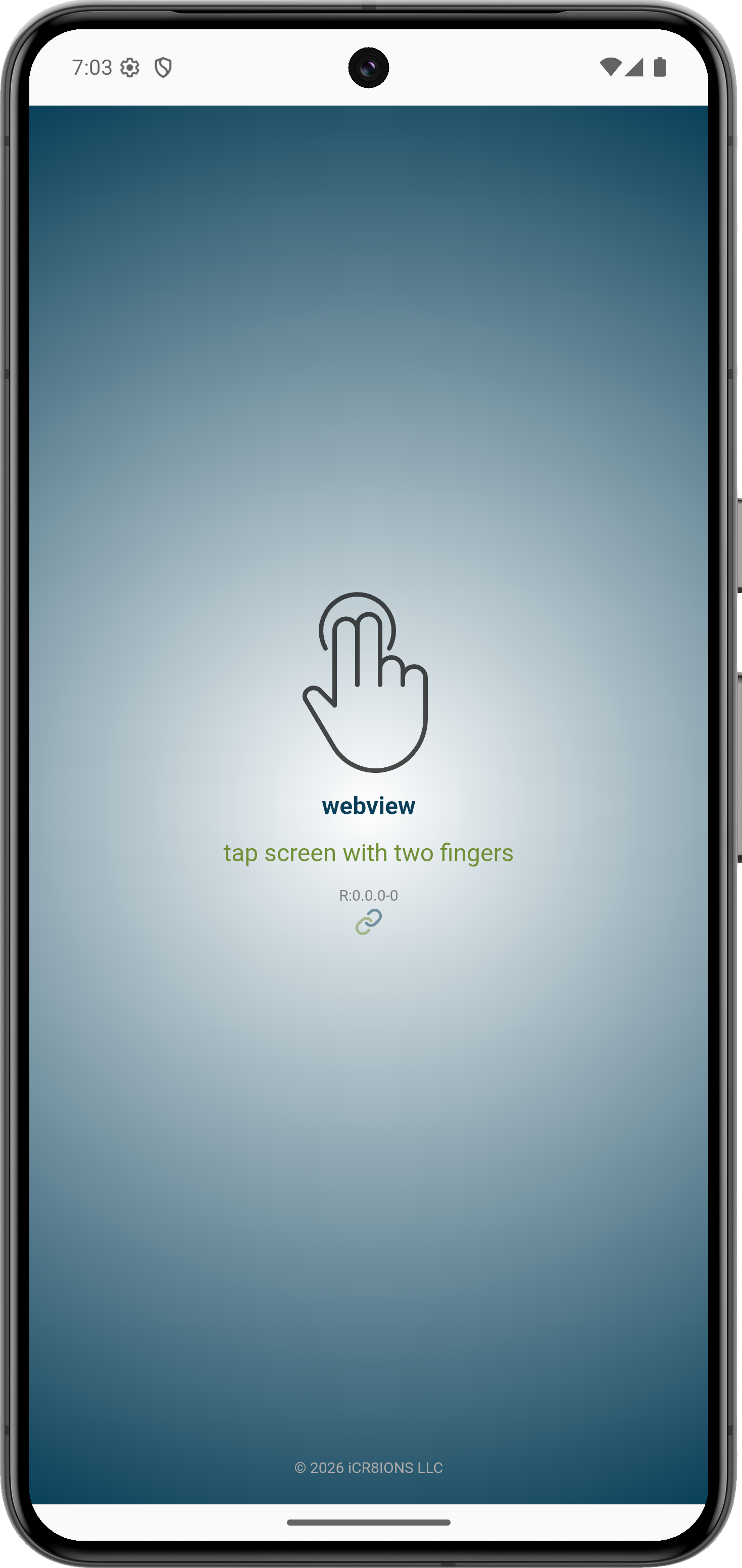
PIXEL 8 - experience inset
PIXEL 8 - experience immersive
AND HERE IS THE MOTIVATION…
A wall-mounted Samsung Galaxy Tab 2 running Android 6.x was too old to run modern versions of Chrome and most current applications. Rather than sending it to a landfill, it found a second life as a dedicated music controller.
Using this application, the tablet runs the Lyrion Music Server web interface in a clean, app-like environment without browser clutter, making it ideal for everyday use as a wall-mounted control panel.
Sometimes all an old device needs is a single purpose.
Instead of ending up in a trash heap, this tablet now serves as a dedicated touchscreen controller for an entire music system.
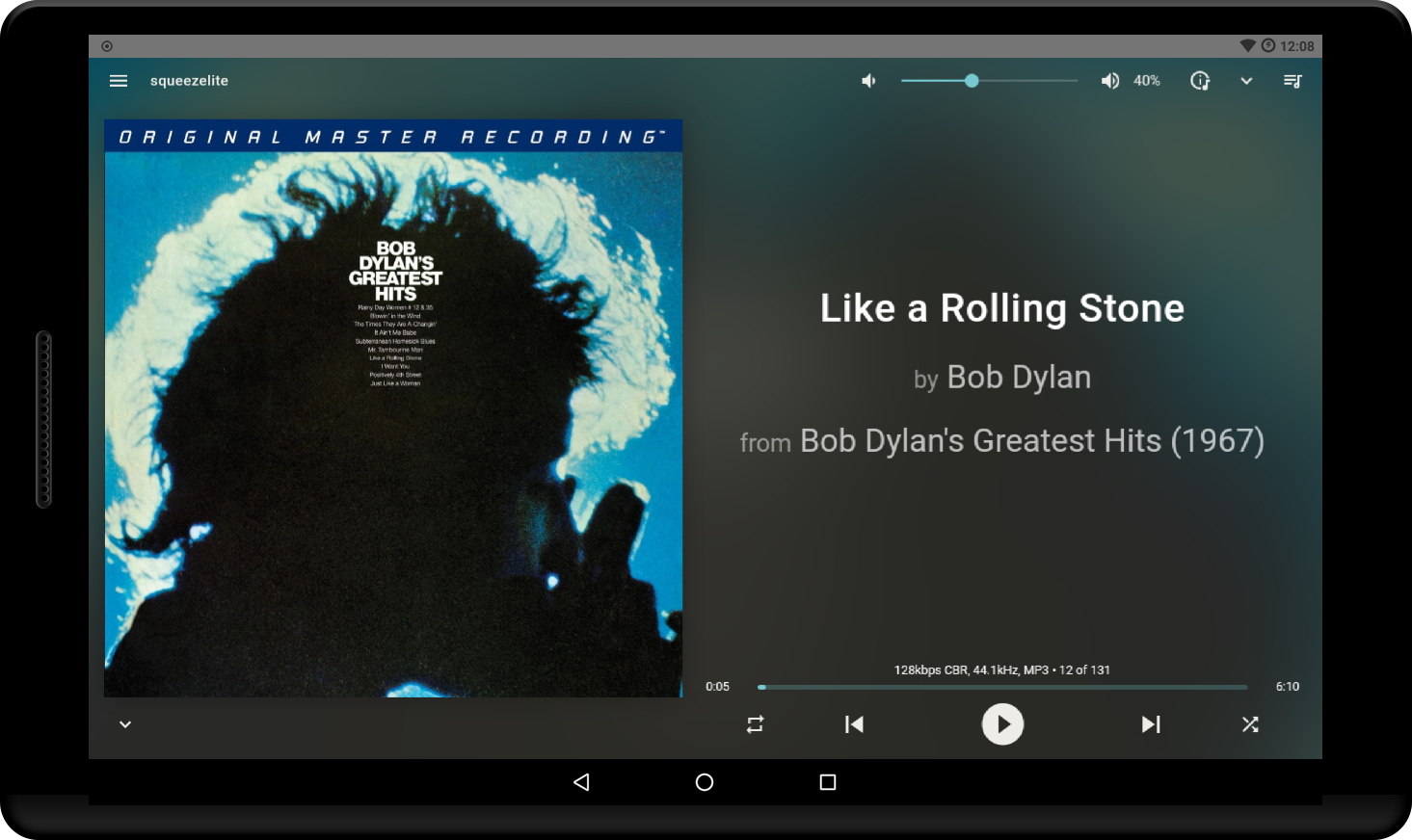
Samsung Galaxy Tab 2 - experience normal/inset
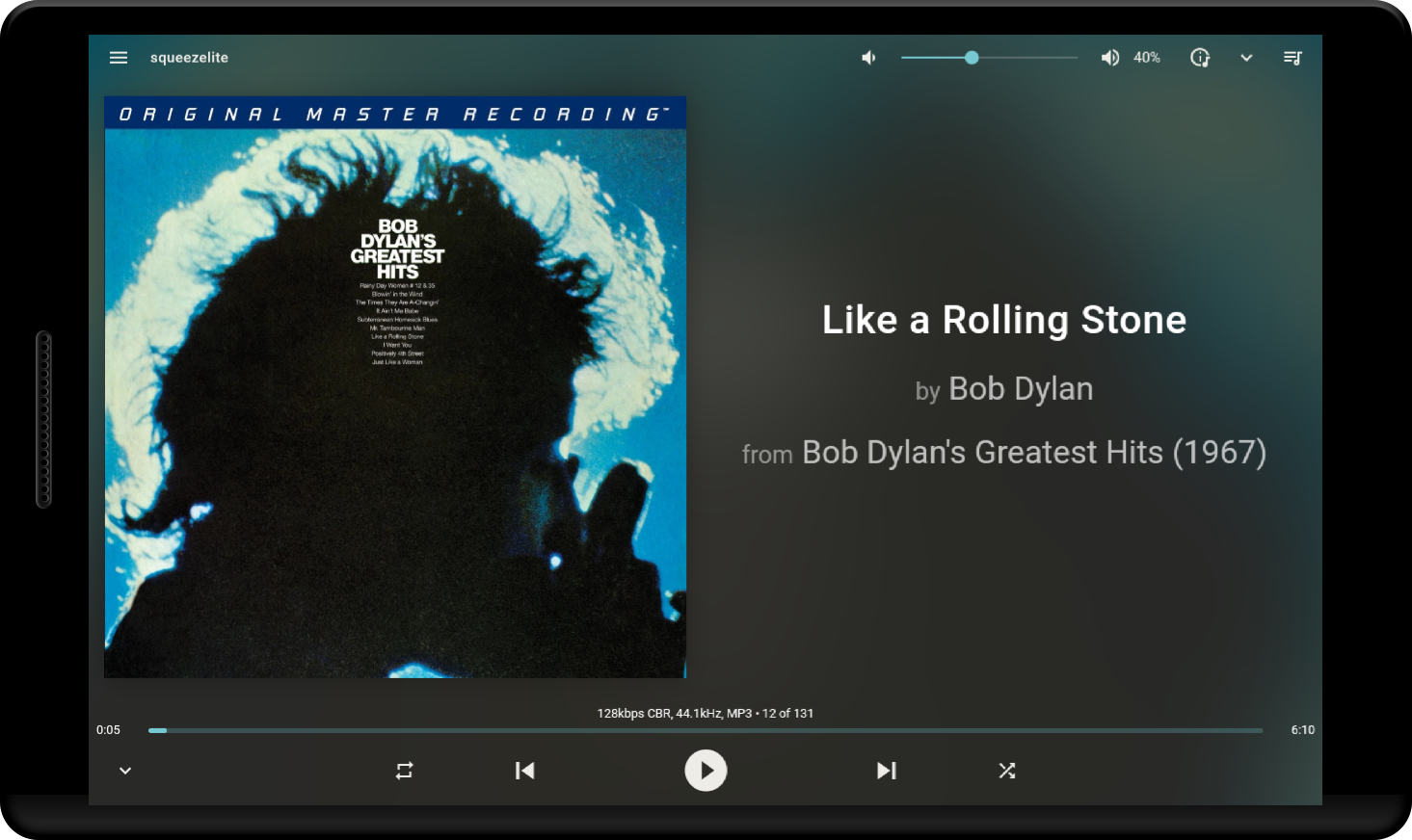
Samsung Galaxy Tab 2 - experience immersive!!!
MODE: SHORTCUT
Allows multiple shortcuts to be created on the device's home screen, with each shortcut configured for a specific website and its own settings.
A shortcut stores the current URL and related settings. Tapping the shortcut launches the website directly. Settings are not available by tapping the screen with two fingers, as the shortcut is intended to be a dedicated website viewer with its own configuration.
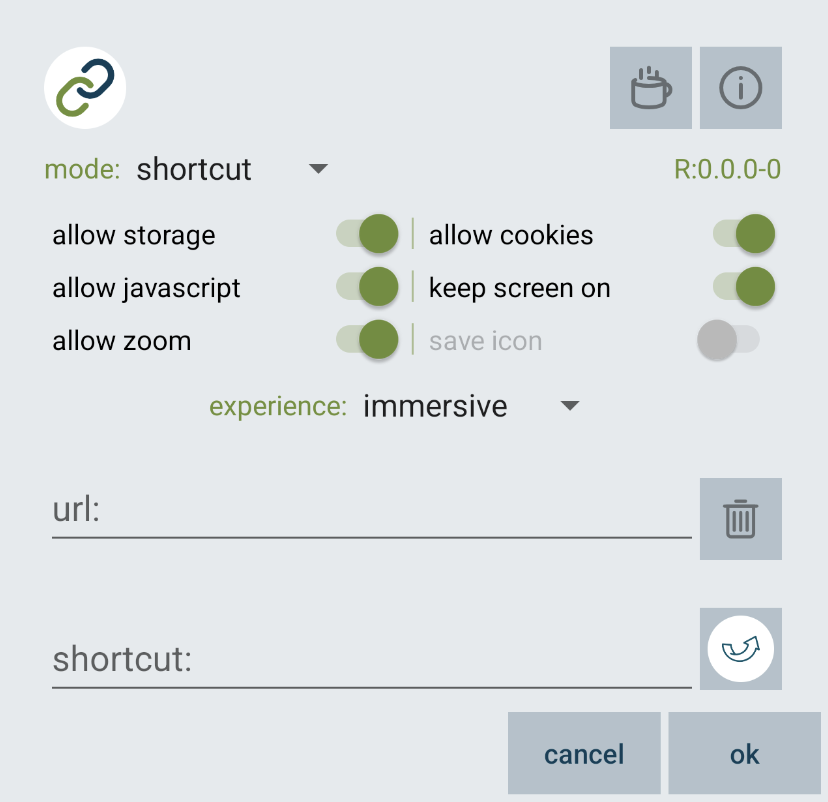
mode: shortcut
buttons/switches/experience: as explained in mode: webview
save icon switch: saves non-default shortcut icons so they can be restored later
url text input: full url starting with http:// or https:// - has to be entered
shortcut text input: label for the shortcut - default webview
image button: automatically retrieves website icon - long-tap to select a local image - tap to cycle through icons
cancel button: discards any changes and closes the configuration dialog
ok button: closes the configuration dialog and presents the opportunity to add the shortcut to the home screen
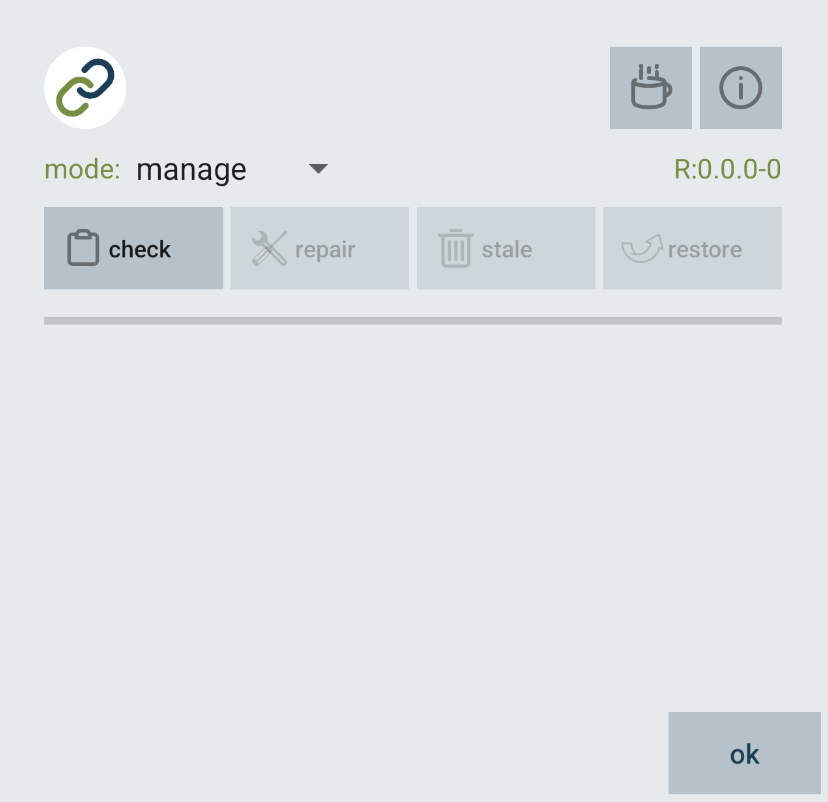
MODE: MANAGE
Allows previously created shortcuts to be checked for problems and fixed as needed. Available on Android 8.0 Oreo, API level 26, and above.
mode: manage
check button: finds all shortcuts, determines if any need to be fixed, and enables the appropriate actions
repair button: updates shortcuts by removing obsolete settings and adding new settings
stale button: deletes saved icons whose shortcuts have been removed
restore button: installs saved icons to their shortcuts
ok button: closes the configuration dialog
This app is free, ad-free, and supports Android 6.0 and above. Donations help cover development time, testing devices, and future updates.