iControl
ANDROID REMOTE CONTROL FOR APPLE MUSIC AND iTUNES
Take control of your Apple Music and iTunes music library from your Android device.
Browse your music collection, manage playback, explore playlists, and control Internet radio stations — all from the convenience of your phone or tablet.
It all started when…
The realization came that there were no longer any Android applications capable of remotely controlling Apple Music and iTunes. While such applications once existed, none appeared to work with modern Android versions and devices.
That gap led to the creation of iControl, bringing remote control functionality back to Android users.
Compatible with Android 7.0 Nougat, API level 24, and newer.
MUSIC LIBRARY BROWSING
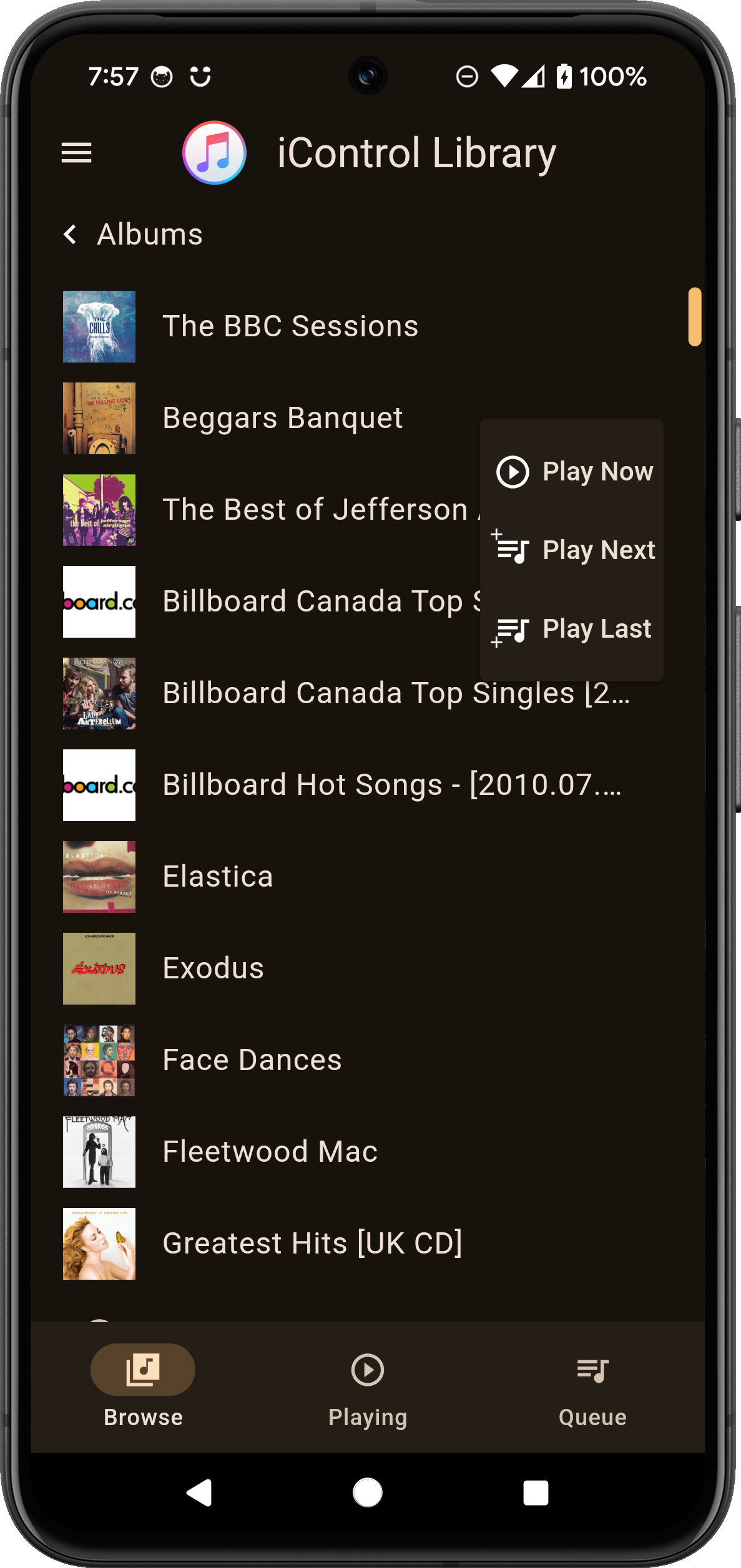
Browse songs, albums, artists, composers, and genres.
Explore playlists, including smart playlists and Genius mixes.
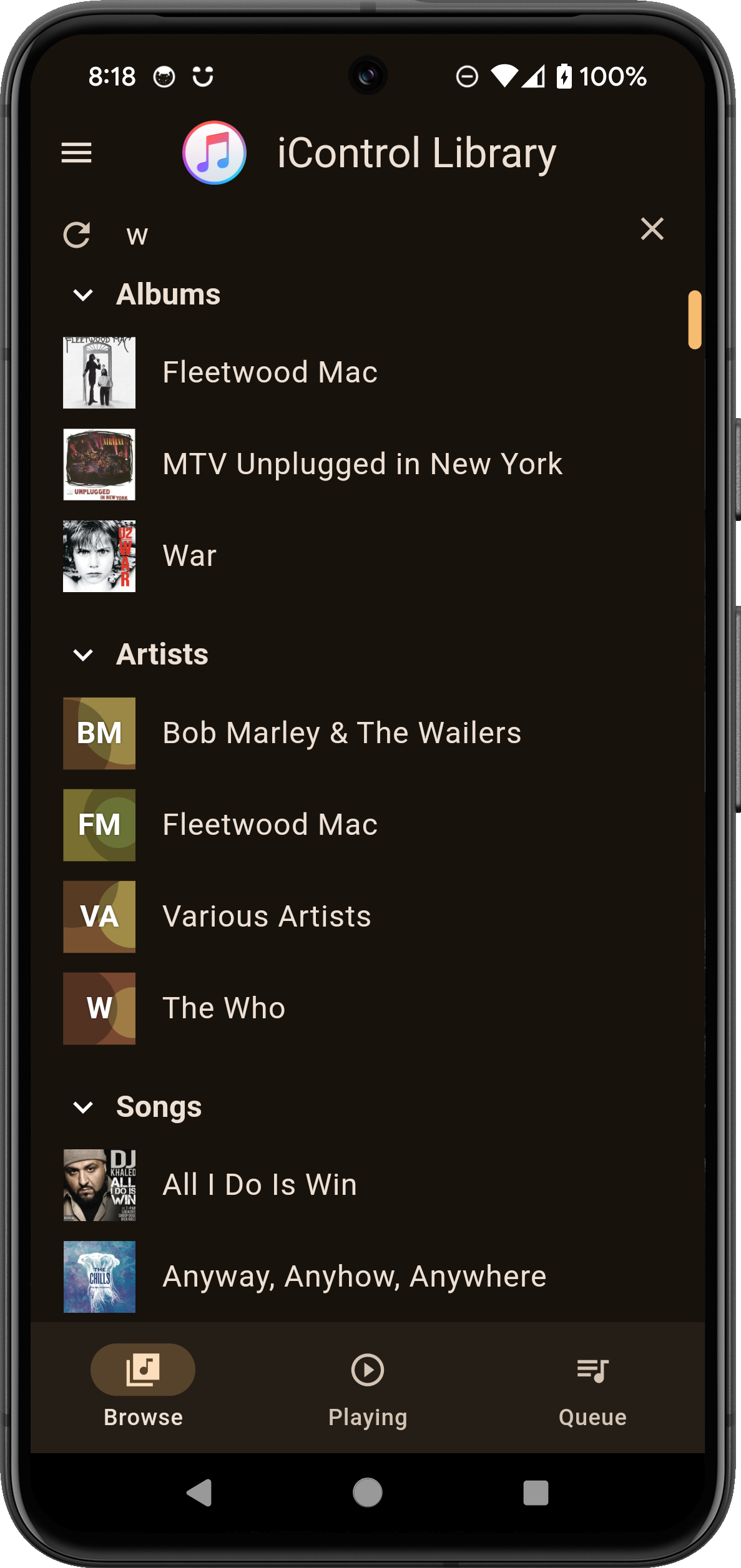
Search your music library to quickly find what you want.
Navigate large collections with advanced alphabetical scrolling.
View album artwork and detailed media information.
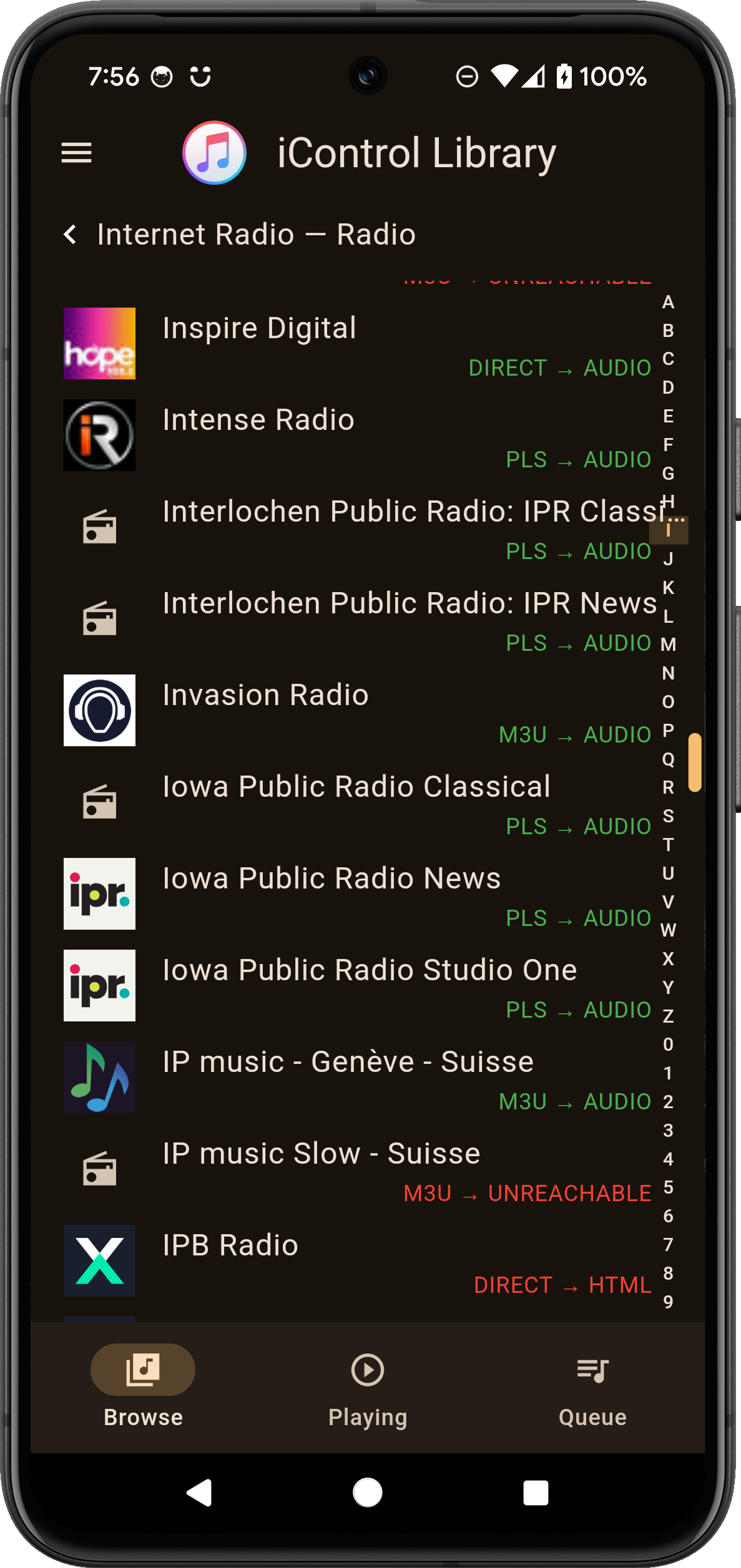
INTERNET RADIO
Browse and play Internet radio stations from your library.
Retrieve station artwork when available.
Check radio stream availability.
Display currently playing song information and art from supported radio streams.
PERSONALIZE YOUR EXPERIENCE
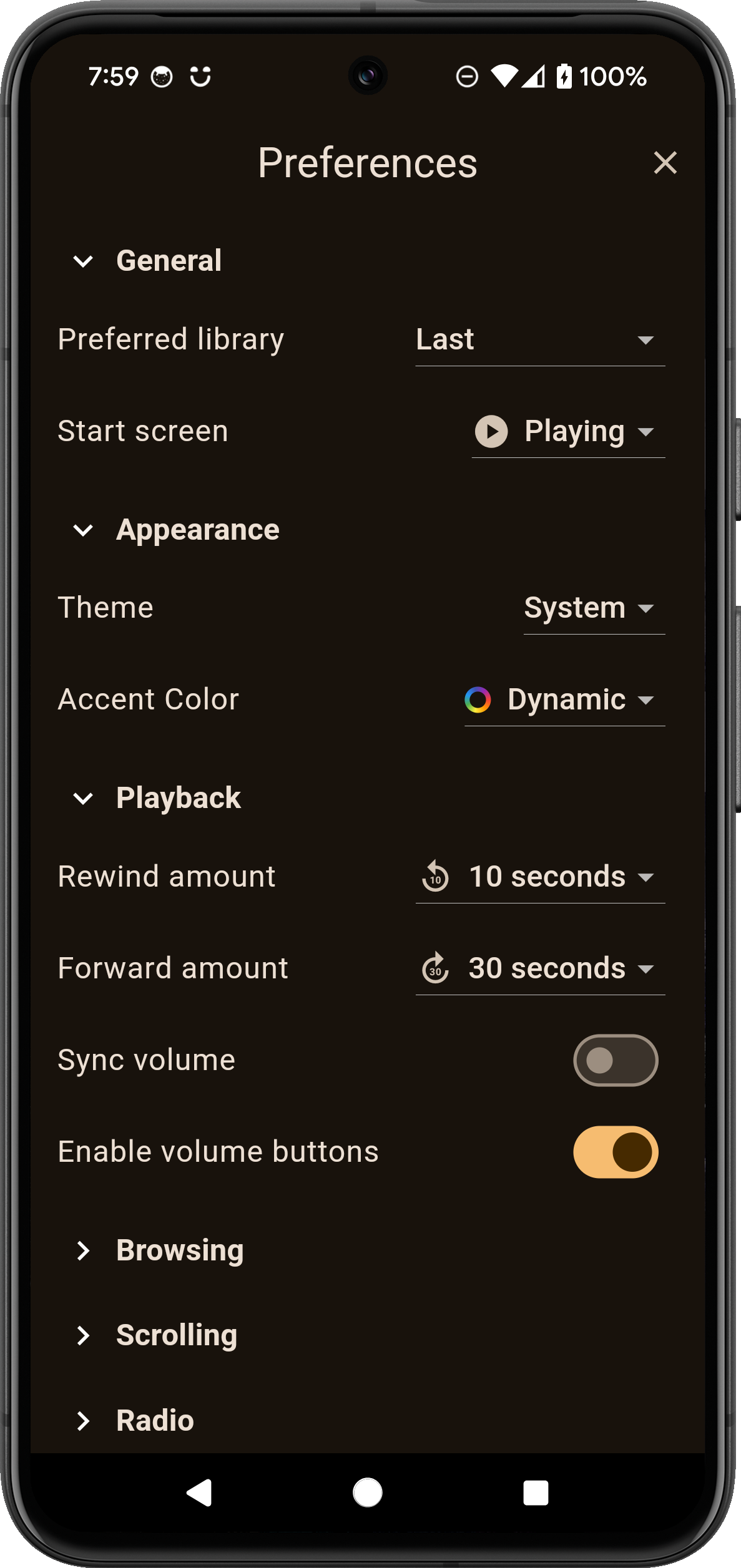
Choose between system, light and dark themes.
Customize the application's accent color including dynamic based on art.
Configure browsing preferences and display options.
Enable optional radio artwork and metadata features.
PLAYBACK CONTROL
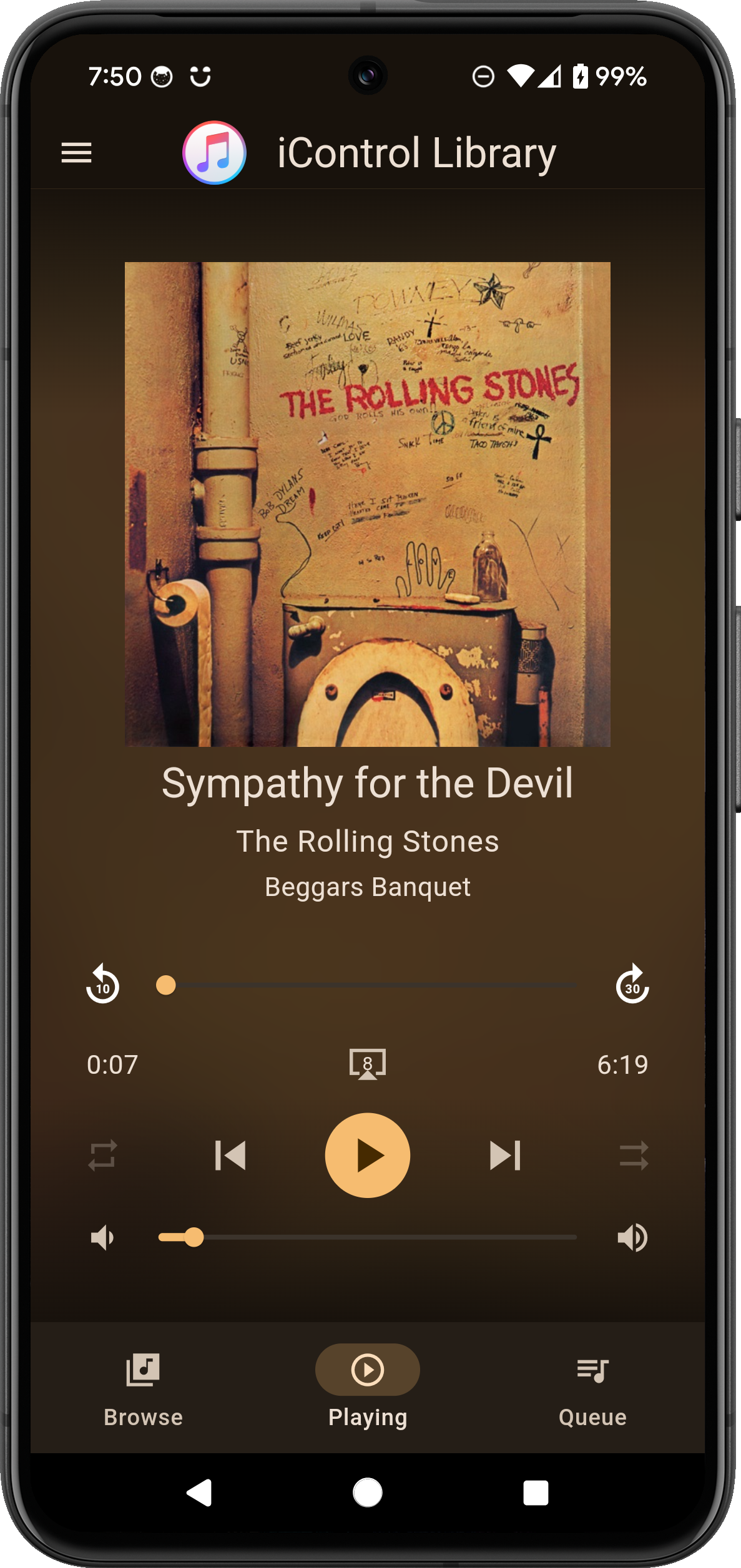
Play, pause, skip, and navigate tracks.
Adjust playback volume.
Control shuffle and repeat.
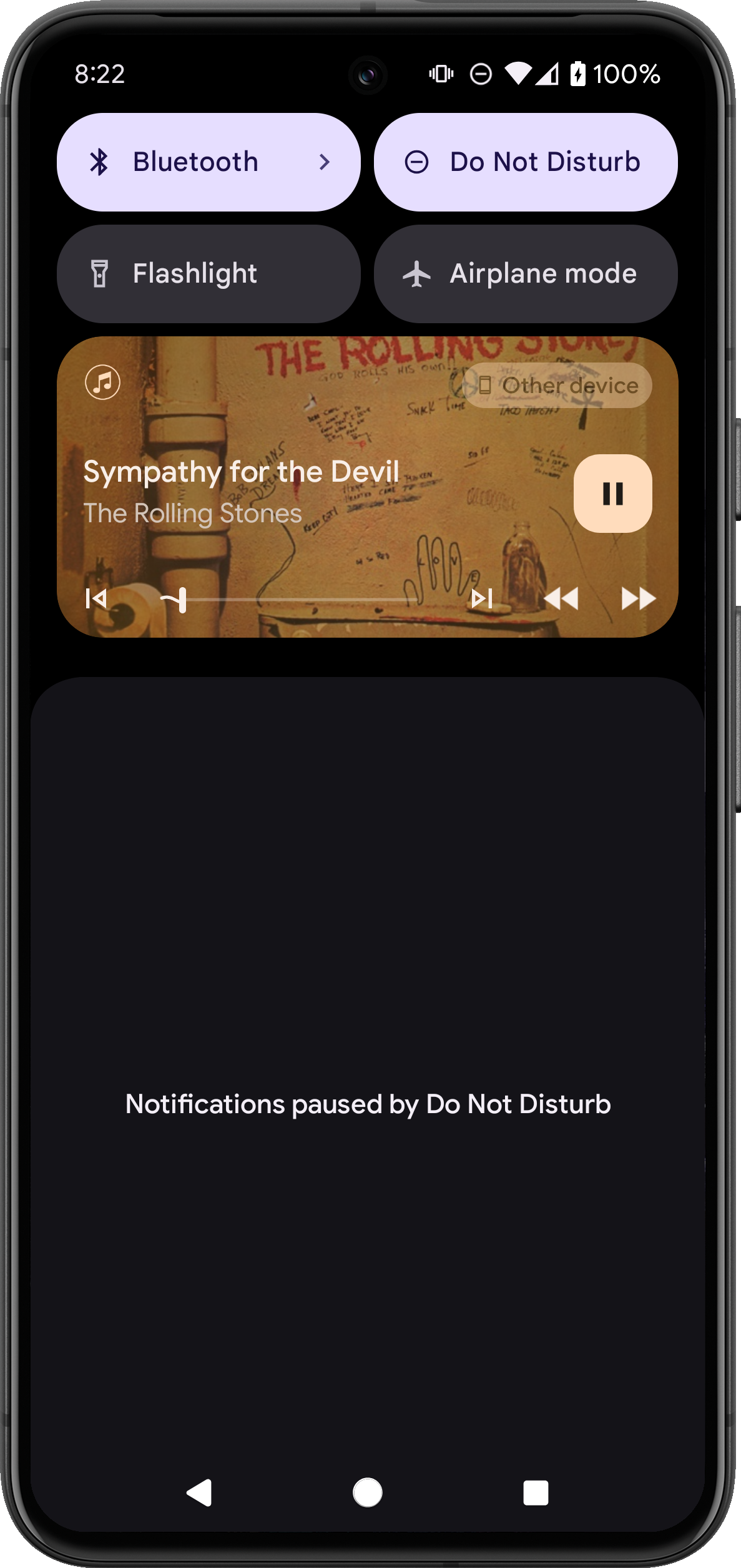
View currently playing music and album artwork.
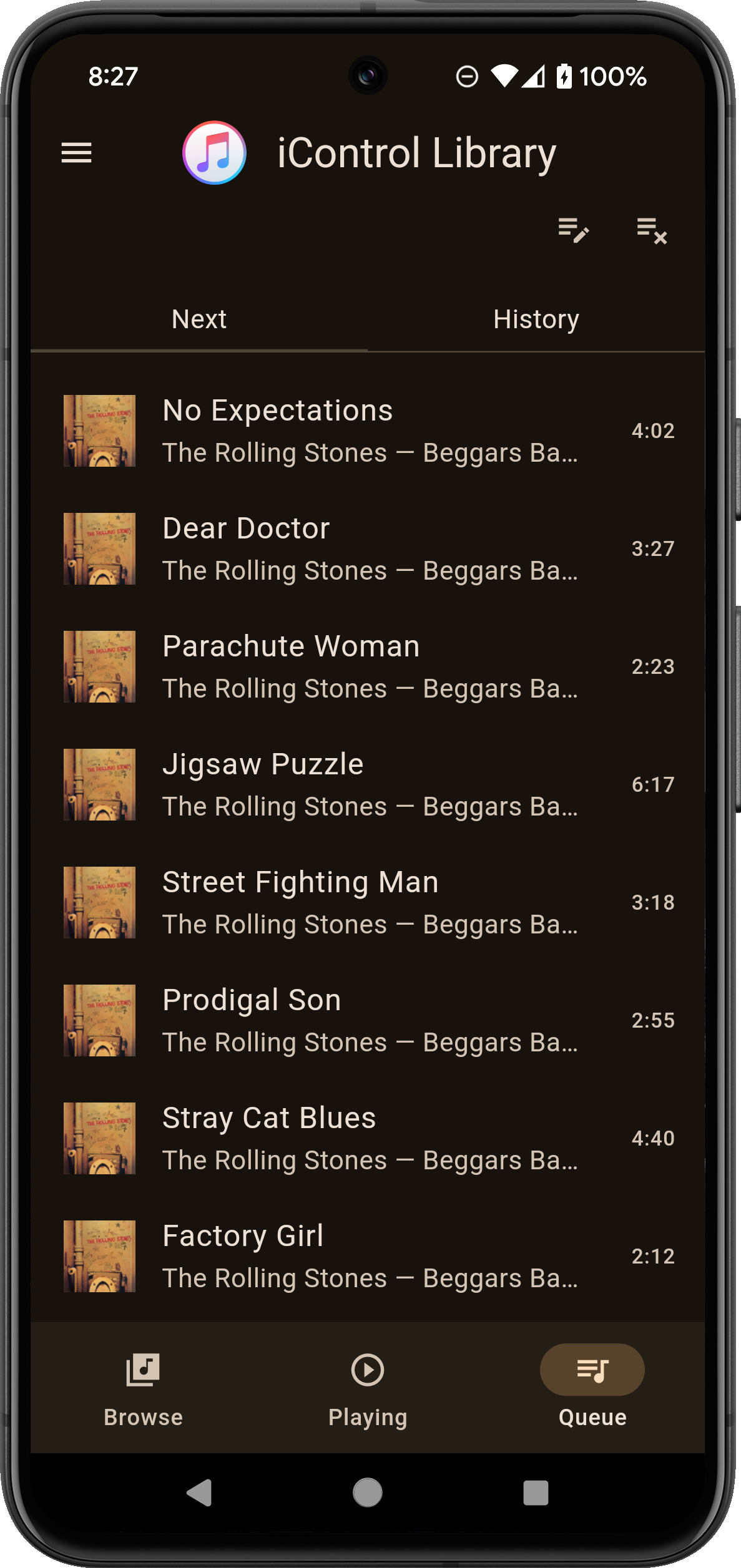
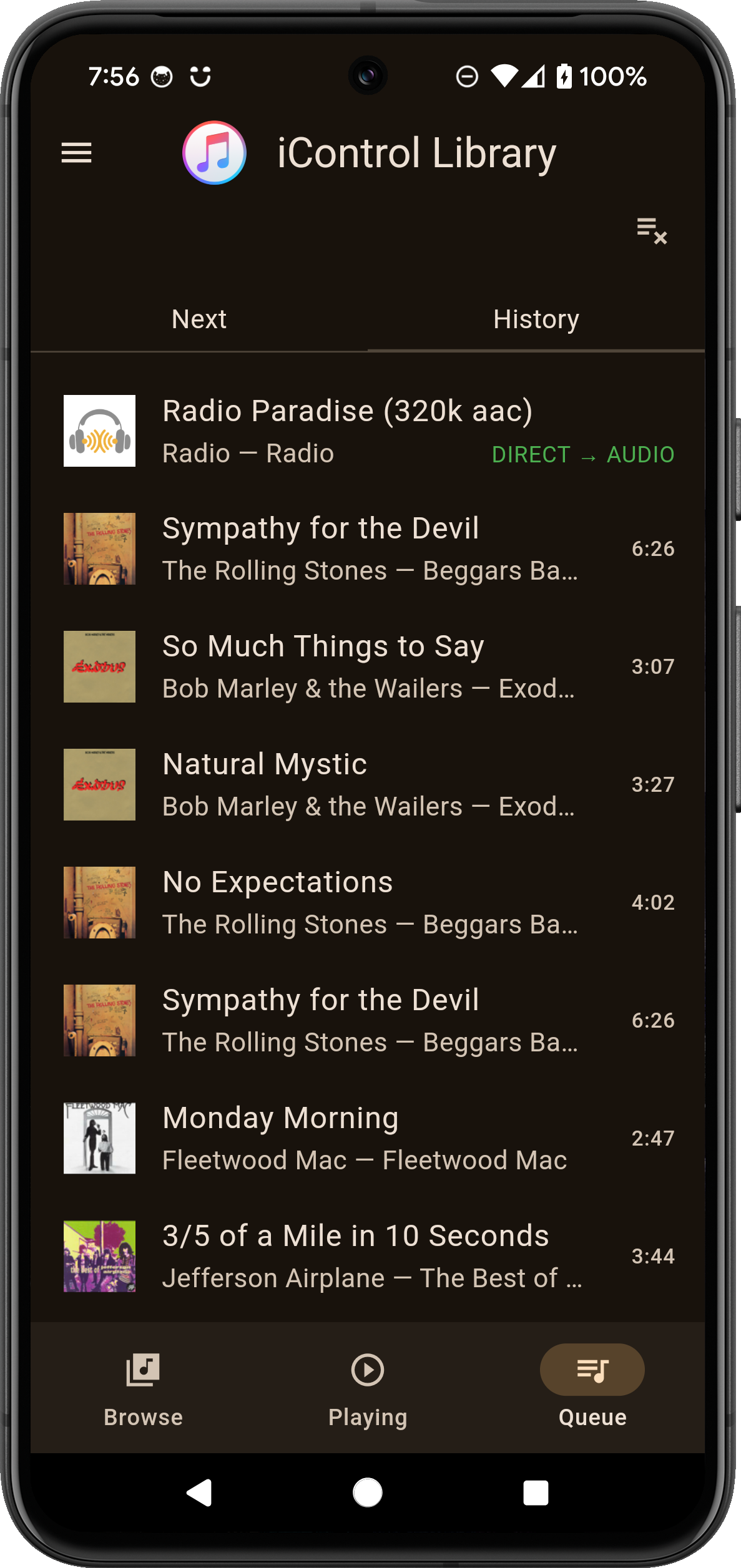
Manage your playback queue with Play Now, Play Next, and Play Last.
Start Genius playback for compatible libraries.
PODCASTS AND AUDIOBOOKS
Browse podcasts and audiobooks in your library.
Explore podcast episodes and view episode descriptions.
Control playback and navigate available content.
MULTIPLE LIBRARIES
Connect to compatible Apple Music and iTunes libraries on your local network.
Switch by swiping header or selecting in Libraries.
HOW IT WORKS
iControl communicates directly with compatible Apple Music and iTunes applications over your local network.
Your music remains on your computer. iControl acts as a remote control and does not transfer or stream your music to your Android device.
GESTURES and ACTIONS
long press - context menu or additional information for podcasts
tap - browse into or play based on item
double tap - play now
swipe on header - switch libraries
swipe on tabs - switch tabs
swipe on playing screen title/description - previous/next
podcast playing screen long press on title/description - additional information for podcasts
REQUIREMENTS
A computer running a compatible version of Apple Music or iTunes.
Your Android device and computer must be connected to the same local network.
Remote control functionality must be enabled and pairing completed where required.
iControl is an independent application and is not affiliated with, endorsed by, or sponsored by Apple Inc.
Apple Music, iTunes, and other product names are trademarks of their respective owners.